
💸
Finance tracking
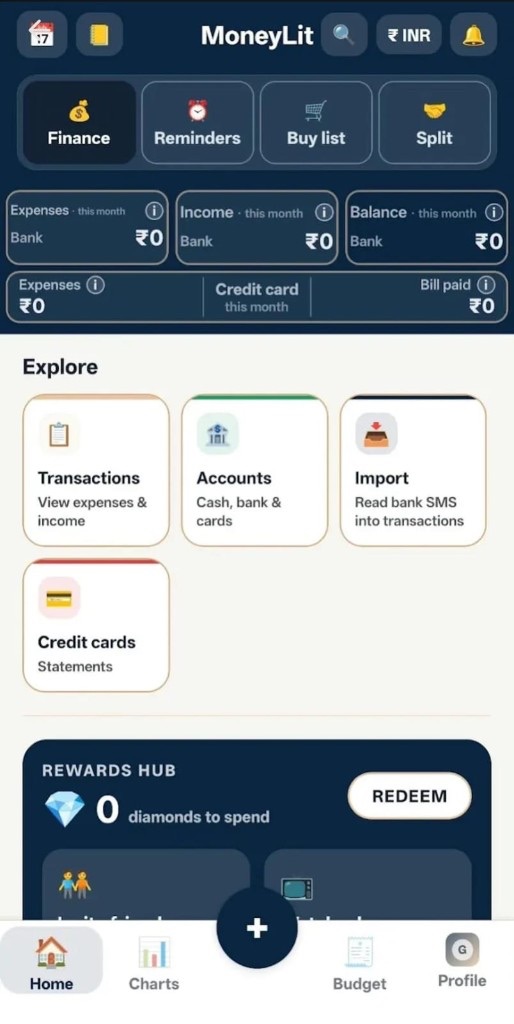
Record income and expenses, organise accounts and credit cards, and understand your monthly balance.
Track money, understand spending, remember what matters, organise shopping and split expenses—all with MoneyLit.
MoneyLit brings the small tools that shape everyday financial life into a simple, readable experience.
Record income and expenses, organise accounts and credit cards, and understand your monthly balance.
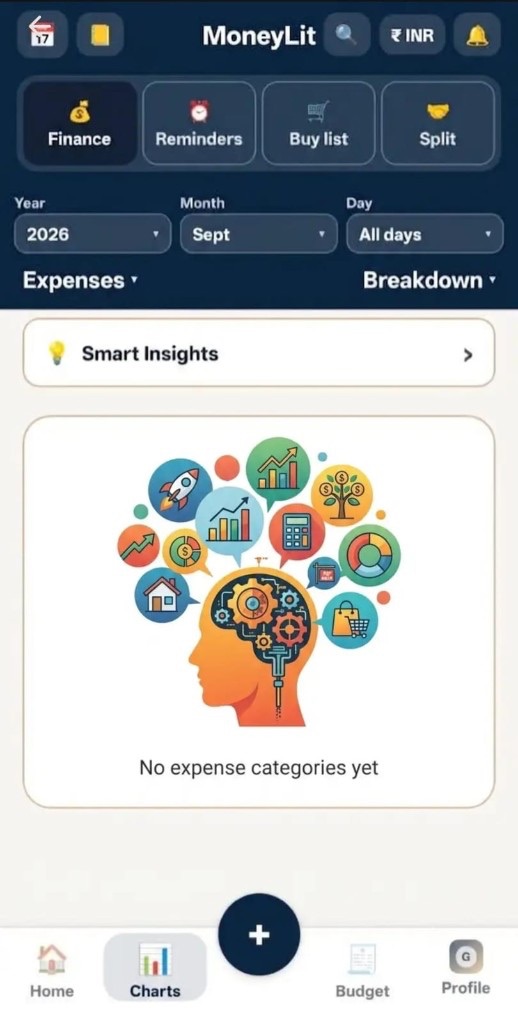
See category breakdowns, trends, budgets and helpful observations based on the records you enter.
Plan recurring bills, medicines, grocery expiry dates and everyday tasks.
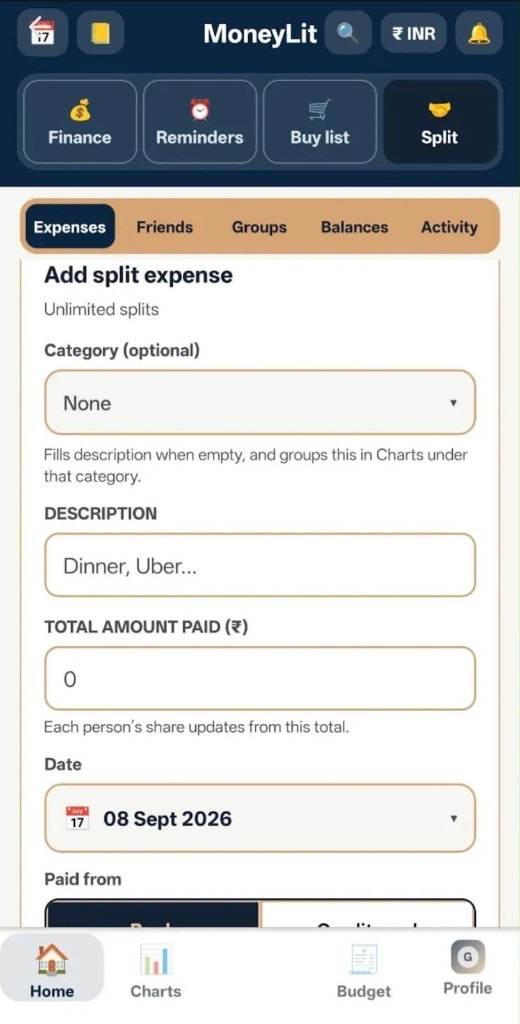
Keep clear records of shared costs with friends and groups without moving money through the app.
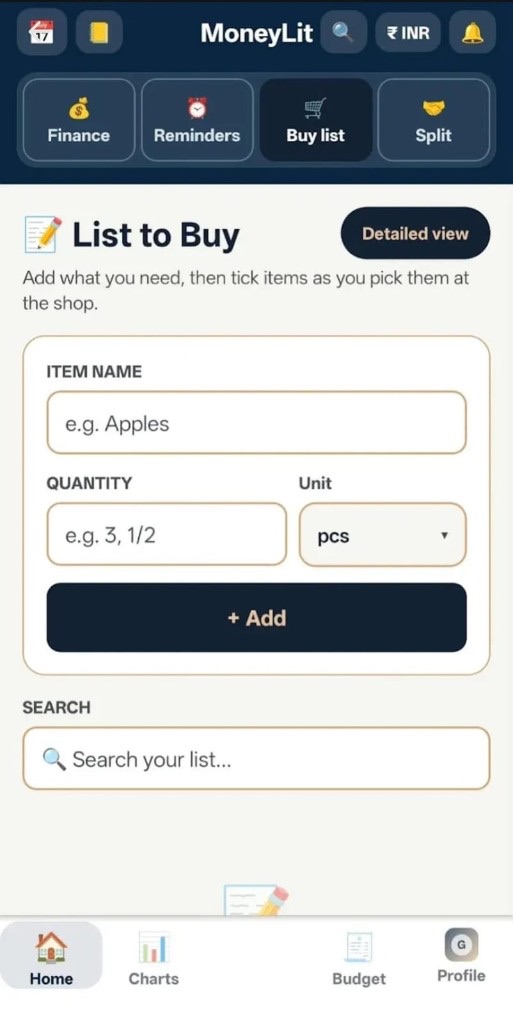
Create a searchable shopping list, add quantities and tick off items as you shop.
Personalise MoneyLit with themes, avatars, language choices and flexible home-screen settings.
Your finance records stay primarily on your device unless you choose an eligible cloud feature.
Premium adds protected backups and multi-device cloud sync for supported MoneyLit data.
On supported Android devices, turn selected bank messages into draft transactions for your review.
MoneyLit gives you a clear picture of income, expenses and balance without requiring a complicated accounting setup. Keep cash, bank accounts, debit cards and credit-card activity organised in one place.
Explore category breakdowns, calendar activity and monthly trends. Set category budgets and use Smart Insights to spot notable changes in the information you recorded.
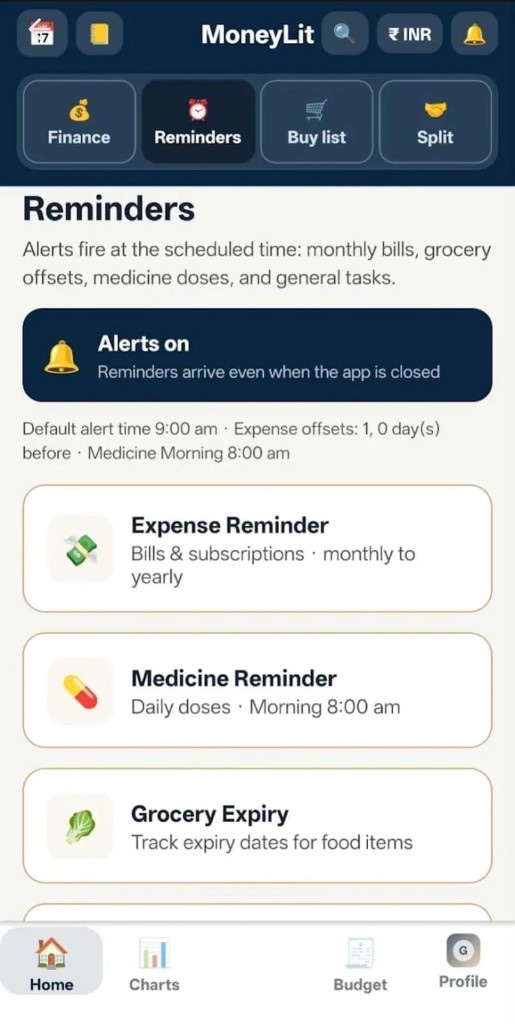
MoneyLit includes practical workspaces for the things surrounding your finances—from upcoming bills and medicines to shopping and shared costs.
MoneyLit is designed to keep Free finance records primarily on your device. It does not contact your bank, move your money or read Gmail. Eligible cloud features are clearly separated and available when you choose to use them.
Read the Privacy PolicyBalances come from the starting figures and transactions you record—not direct access to a bank account.
Account controls, app locking and protected backup options help you manage access to your information.
Review imported drafts, manage permissions, export eligible records and request deletion from App Settings.
Move naturally between finance, insights, reminders, shopping and shared expenses.
MoneyLit works at your pace. Start small and add more tools when they become useful.
Download MoneyLit from Google Play, choose your preferences and take the guided tour.
Create an account, enter a transaction or review supported SMS import suggestions.
Review charts, add budgets and reminders, organise shopping or share an expense.
Unlock every feature, remove ads and add cloud-powered continuity.
View MoneyLit on Google PlayYou can begin with everyday tracking and upgrade when you want the complete experience.
No. MoneyLit does not log in to your bank or retrieve your balance. It organises records you enter or SMS import drafts that you review and approve.
Yes. MoneyLit Free includes everyday finance organisation and may show advertisements. The exact available features are shown in the App.
Premium unlocks all currently offered features, removes advertisements, and provides eligible cloud sync and protected backup functionality.
No. MoneyLit is an organiser, not a bank or payment service. Split expenses are records of who owes what; settlement happens outside the App.
Yes. MoneyLit provides account and data controls in App Settings. Our Account Deletion page explains the process.
Use the Feedback option inside MoneyLit or visit our Contact page to prepare an email to GAIN Creations.
Track what matters, understand your patterns and keep life’s money-related tasks together with MoneyLit.